 Service Zen
“The product order says six windows, but the installer needs to know which ones go where.”
✓ With Service Zen
Record the opening labels, measurements, and selected styles with the job and the quote.
Start estimates by unit for window replacement or door installation. Keep opening measurements, product selections, and removal notes on the quote so the team can order and install what the customer approved.

Window and door estimates, opening notes, and installation schedules. Built for four-season trade & service teams
“The product order says six windows, but the installer needs to know which ones go where.”
Record the opening labels, measurements, and selected styles with the job and the quote.
“The customer approved the door and assumed that the trim and hardware came with it.”
Itemize the inclusions and exclusions before approval so the office and crew can see what’s included.
“A custom unit arrived late and three people had three different install dates.”
Use the schedule to assign installers and coordinate the date with delivery and site access.
Use your own inputs. The calculator starts with example values.
A 35% profit margin is not a 35% markup. Adjust labour, materials and target margin for a windows & doors job to see your exact pre-tax and tax-included quote total.
Formula: Quote Price = $600 direct cost ÷ (1 − 0.35) = $923.
Write down the opening and unit details the installer and supplier will need.
Example figures and terms. Replace them with your own before sharing.
Verify each opening, product selection, and any custom work before releasing the order.
Label each opening and record its dimensions, product type, access, and existing condition.
Enter the unit count and type in the matching estimator. Review separate hardware, trim, or opening work before quoting.
Send the quote with the agreed product options, removal, and finish work. Verify dimensions and handing before ordering.
Confirm the units are available, assign the installers, and keep the approved scope and completion notes with the job.
The window estimator starts with the unit count and window type. Check each opening for nonstandard sizes, trim, and any repair work before sending a final quote.
Choose the door type and quantity, then review the quote for hardware, handing, frame condition, and disposal.
Use the job notes to keep opening measurements and product selections available when the approved job is ready to schedule.
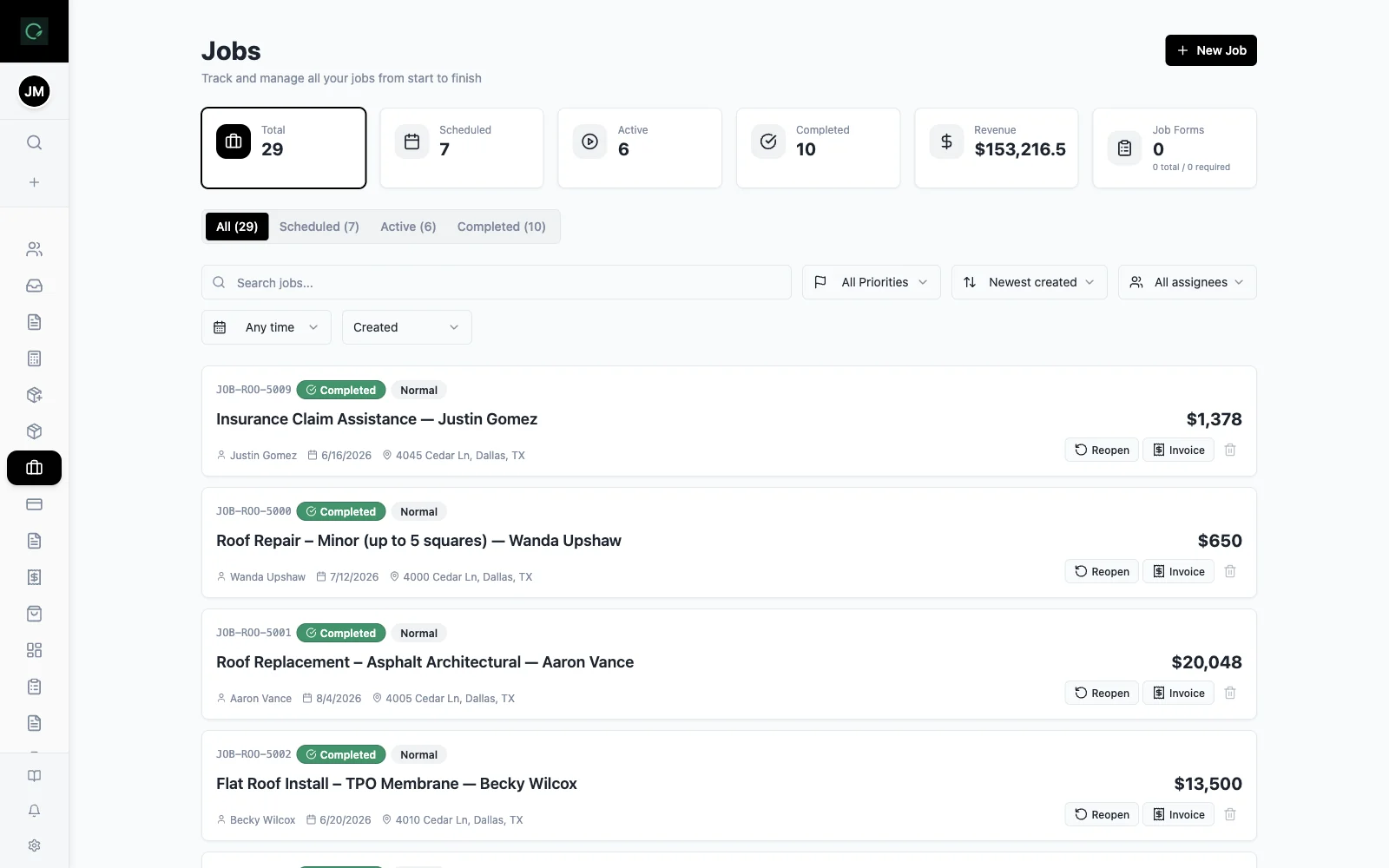
Yes. The trade workspace has Window Replacement and Door Installation templates, both based on unit count and type.
The window estimator has a removal option that adds a line for removal, disposal, and trim. Review the line against the actual openings before quoting.
Use the estimate as a starting point, record the actual details of each opening, and add any custom units, framing, or finish work to the quote.
Explore the live demo, test a workflow, or compare our current plans.